Overview#
After spending a good amount of time on the backend of eru, it was time to once again go back to square one. That was fine, because I was very much looking forward to designing the frontend and making the backend components come to life. I wanted to ensure that eru was both aesthetically pleasing and practical, while still focusing on the user experience.
I started with the creative part of the process, which included finding a fitting logo for eru that I could use throughout the application.
Finding eru’s identity#
I searched through different options until I finally found a logo that fit the idea of eru perfectly.

The logo represents a book opening up, which goes hand in hand with the idea that eru is a learning and knowledge-based platform. I started by finding a logo that I thought was memorable and made sense for the project. I then color-coded it to see how it would fit with the initial main colors of the application.
Now, I am no master of logo design, so I used ChatGPT’s image mode to go through some adjustments and make it look somewhat professional.
Working With the DOM#
The first exercises were mostly about getting used to JavaScript after working in Java for a long time.
Some of it was familiar. There were still variables, arrays, objects, functions, and conditions. But the way JavaScript handles things felt different almost immediately. In Java, I am used to being very explicit about types and classes. In JavaScript, I could just write:
let age = 23;
const personName = "Holger";
const isOldEnough = true;
That was convenient, but also a little dangerous. JavaScript does not force the same structure as Java, so I had to pay more attention to what a variable actually contains. I also worked with null, objects, arrays, and functions as values, which made JavaScript feel more flexible but also easier to mess up if I was not careful.
The car dealership exercise was where the browser part started to make more sense. Instead of only using console.log, I had to create elements, insert them into the page, and update the page based on user input.
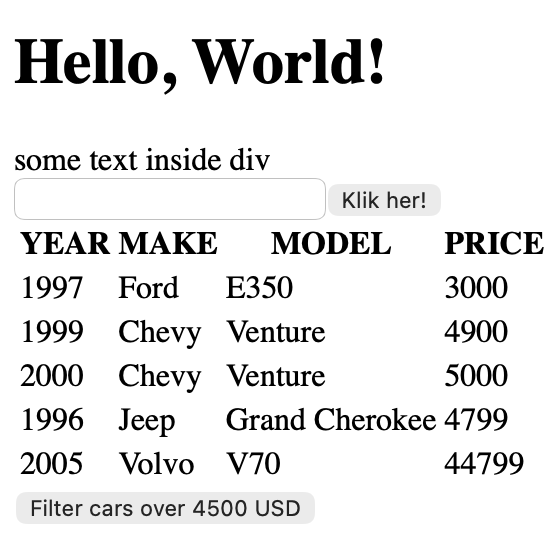
For example, I used document.getElementById() to find an element that already existed in the HTML, and I used document.createElement() when I needed to create something from JavaScript.
const root = document.getElementById("root");
const input = document.createElement("input");
root.appendChild(input);
That was quite different from what I am used to in Java. In Java, I usually think in terms of classes, methods, and objects that live inside the application. Here I had to think more directly about the page itself. If I wanted something to appear on the screen, I had to either write it into the HTML or create it through JavaScript.
I also used map and filter when working with the car data. That part was interesting because I could avoid writing a normal loop for every operation. Instead of manually building everything step by step, I could transform the array into table rows and then insert the result with innerHTML.
const carRows = cars.map(car =>
    "<tr><td>" + car.year + "</td><td>" + car.make + "</td><td>" + car.model + "</td><td>" + car.price + "</td></tr>"
);
So the exercise came down to this: take some data, filter it, turn it into HTML, and show it in the browser. That is a small thing, but it is also very close to what a frontend application does all the time.
Calculator Exercise#
The calculator exercise was more about events.
I had buttons in the HTML, a display, and then JavaScript that reacted when the user clicked something. Instead of calling a method directly like I often would in Java, I had to attach an event listener and wait for the browser to tell me what happened.
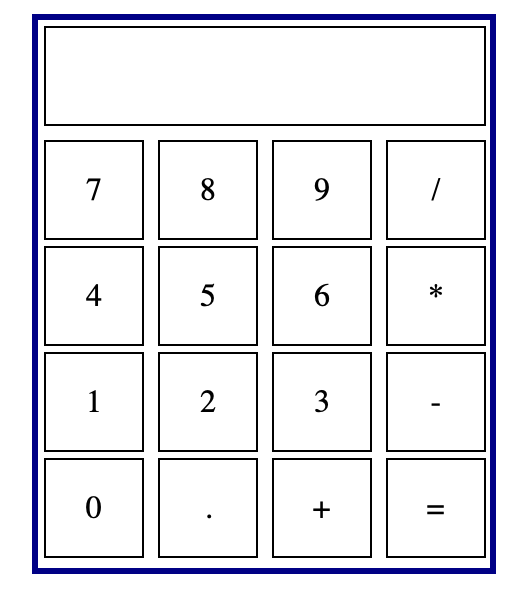
The main logic was based on one event listener on the button container:
buttons.addEventListener("click", function (event) {
    event.stopPropagation();

    if (event.target === calculate) {
        display.innerText = eval(display.innerText);
    } else {
        display.innerText += event.target.innerText;
    }
});
This was one of the first places where JavaScript in the browser felt very different from Java. The program is not just running from top to bottom. A lot of the code is waiting for the user to do something.
The event.target part was also useful, because it told me which button was actually clicked. Instead of adding a listener to every single button, I could listen on the parent element and check the target.
I used eval to calculate the result. I know that is not a great solution for a real calculator, since it runs a string as JavaScript, but for this exercise it made the point simple enough: click a button, update the display, and calculate when the equals button is pressed.
Tic Tac Toe Exercise#
The Tic Tac Toe exercise was the one where I had to think the most about actual logic.
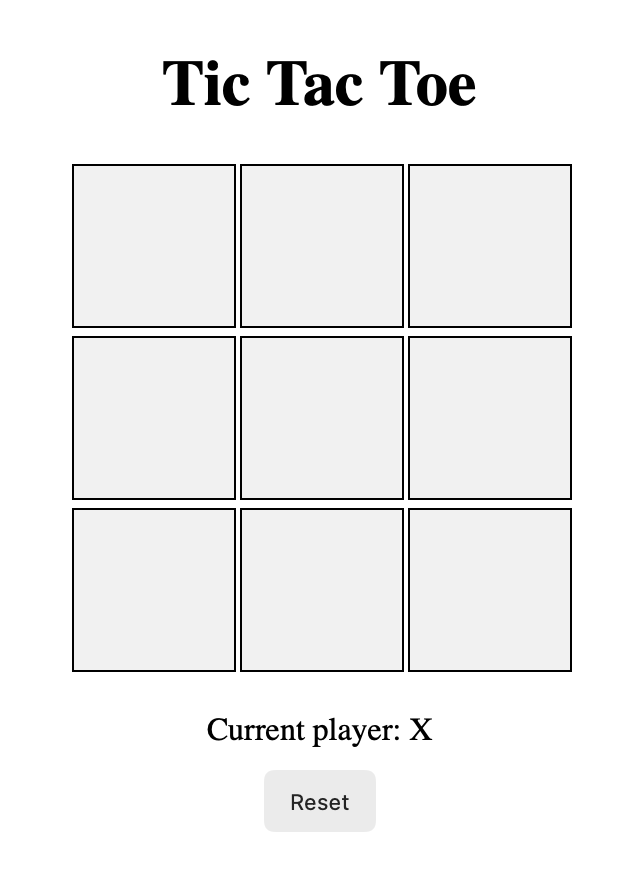
The game needed:
- a board state
- a current player
- a list of winning combinations
- validation so a used cell cannot be selected again
- win detection
- draw detection
- reset behavior
The core state looked like this:
let currentPlayer = "X";
let gameBoard = ["", "", "", "", "", "", "", "", ""];
let gameActive = true;
The board on the screen was just the visual part. The real game lived in the gameBoard array. That was a useful distinction, because I had to update both the data and the HTML when a player clicked a cell.
When a user clicked a cell, I first had to check if the cell was already taken or if the game was already over. If not, I updated the array and then wrote the current player into the clicked cell.
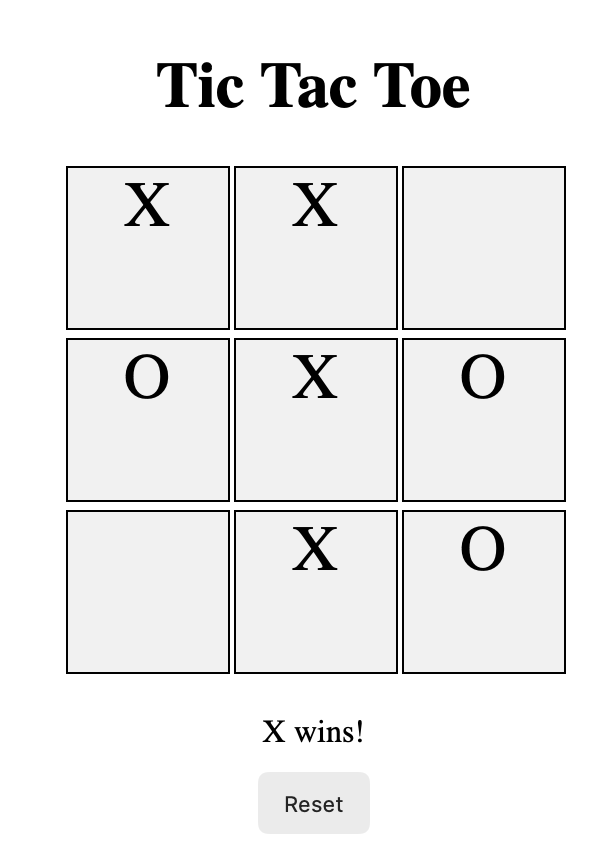
if (gameBoard[index] !== "" || !gameActive) {
    return;
}

gameBoard[index] = currentPlayer;
cell.innerText = currentPlayer;
After that, I had to check the winning combinations. This part felt closer to normal programming logic again, because it was mostly arrays, indexes, conditions, and returns. The frontend-specific part was that the result had to be shown immediately in the browser.
The main difference from Java was not the logic itself. The difference was where the logic had to connect. In Java, I often return something from a method or save something through a service. Here, I had to make sure the page reacted to every click.
First UI Planning for eru#
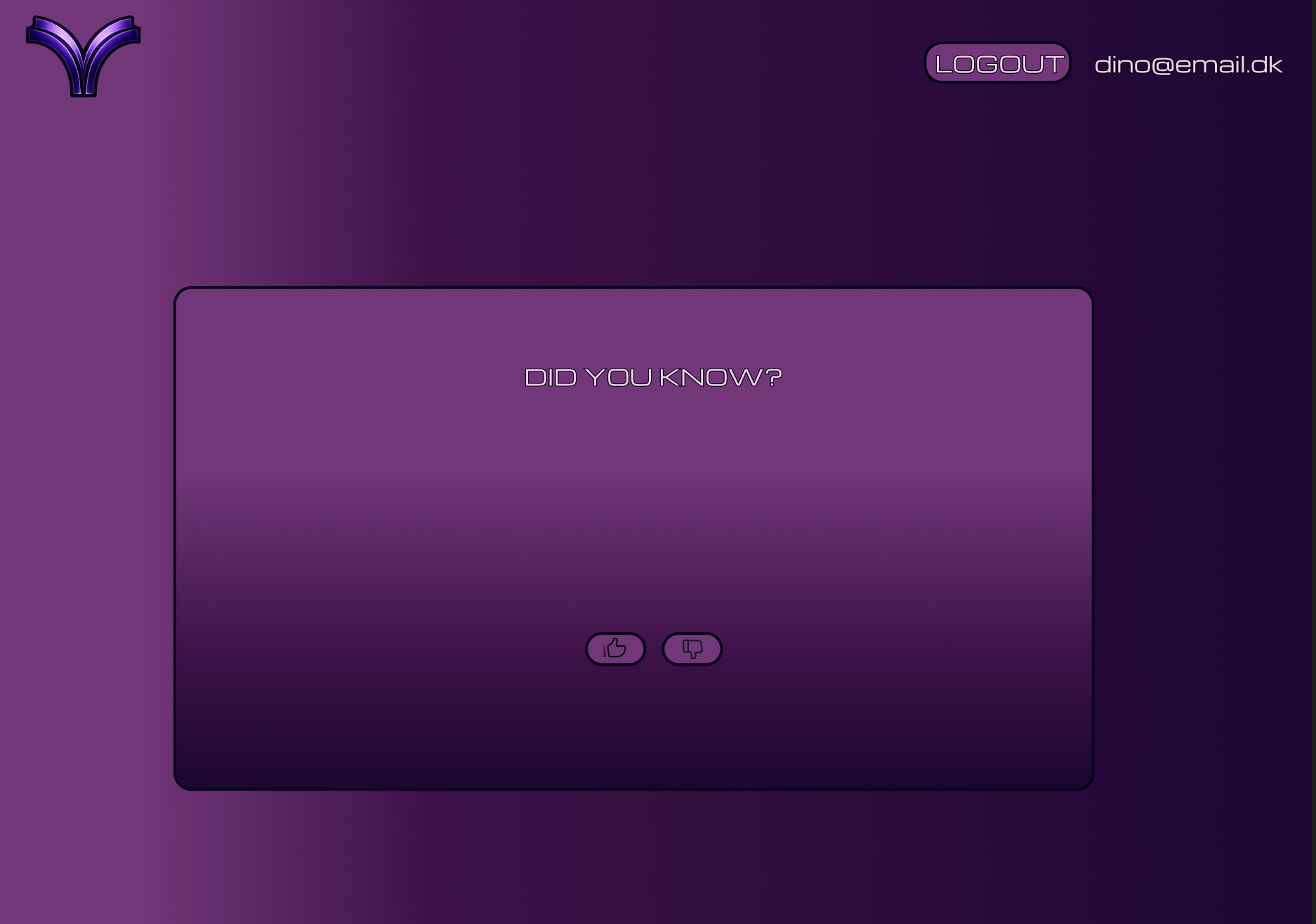
Alongside the JavaScript exercises, I started sketching the first frontend ideas for eru in Figma.

The visual direction became fairly clear early. I wanted the app to have a dark purple look, a clear logo, and a start screen that felt more like a product than a normal school assignment.
This part was important because eru should not feel like a CRUD interface. The backend has users, content, interactions, and authentication, but the frontend is where the idea has to feel understandable. The user should not think about endpoints. The user should think about reading, learning, saving, liking, and moving through content.

The first sketches were not final designs, but they helped me answer some basic questions:
- Where should the logo live?
- What should the first screen communicate?
- What does the user see before logging in?
- What does the user see after logging in?
- Where do interactions such as like and dislike belong?
- How much visual identity should the app have?
I think this was a good time to start sketching, because it forced me to think about the frontend as a real user experience instead of just a place where backend data gets displayed.
Thinking in Components#
The Friday exercise also introduced the idea of breaking the UI into components before building it. This made sense to me because it reminded me a bit of how I split the backend into smaller parts.
In the backend, I do not want everything inside Main. I split things into routes, controllers, services, DTOs, and repositories. On the frontend, the same idea applies, except the pieces are visual instead.
After looking at the backend again, the component ideas became more concrete. I already had content, feeds, authentication, interactions, and elaboration in the backend, so the frontend components should reflect that.
For eru, an early component breakdown could look like this:
LoginFormRegisterFormContentFeedContentMenuContentTypeFilterContentCardInteractionButtonsPopupsDashboardLayout
This is where React started to make more sense. Instead of building one large HTML file, I can build smaller components and combine them.
One component I thought about introducing was a ContentMenu. Since the backend has content types such as FACT, THEORY, and QUOTE, the user should be able to choose what kind of content they want in their feed. This could be a dropdown where the user can tick content types on or off.
Another idea was an AuthorLink component. The backend content model already has an author field, so it makes sense that the user should be able to press the author of a fact, theory, or quote and see more content from the same author.
The interaction system also gives me some clear frontend components. Since the backend supports LIKE, DISLIKE, VIEW, BOOKMARK, and ELABORATE, the content card should probably have a clear InteractionButtons area. Liking and disliking are simple user actions, bookmarking lets the user save content, and view interactions can help the backend avoid showing the same content repeatedly in the feed.
The most interesting extra component is probably an ElaborationPanel. The backend already has an endpoint for elaborating on content with AI, so the frontend could have a button such as explain more. If the user finds a short fact interesting, they could open a deeper explanation without leaving the content card.
Final Thoughts on the First Frontend Week#
The main thing I took from this week is that JavaScript is close enough to Java that the basic programming ideas still transfer, but different enough that I had to slow down a bit.
Dynamic typing, functions as values, map, filter, and browser events all made the code feel different. The exercises were not huge, but they showed the basic pattern: get some data, react to user input, update the page.
For eru, this week was the first step from backend project to actual product. I now had the first sketches, a clearer visual direction, and a better understanding of the JavaScript fundamentals I needed before building the real frontend.